 DogMate by KalisPro
See everything that happens on your server
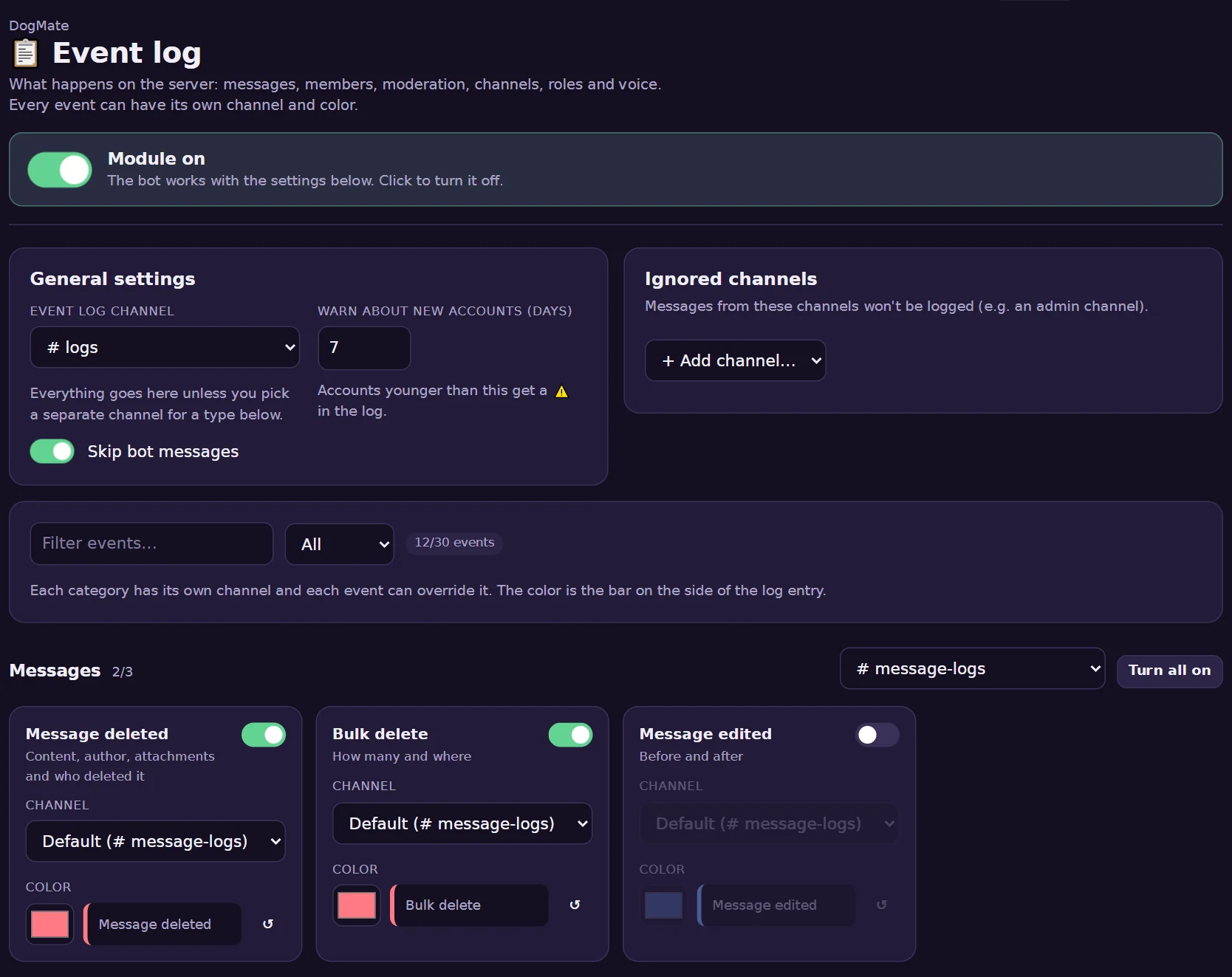
Deleted and edited messages, joins, roles, bans and voice channels go to your log channel as clear cards. Each of the 30 events has its own switch, channel and colour. Turn categories off below the window and watch the log change.
- events
- 30
- categories
- 6
- switch per event
- 1
Turn categories off and watch the log change.
In the dashboard
What it can do
- MessagesDeleted, edited and bulk deleted messages, with the content and who deleted them.
- MembersJoins with account age, leaves, nicknames, roles and server avatars.
- ModerationBans, kicks and timeouts with the moderator and the reason.
- Channels and threadsNew, deleted and changed channels, permissions and threads.
- Voice channelsJoins, leaves, moves and mic changes.
- Your colours and channelsEach category has its own channel and each event can override it. New accounts get a ⚠️, and bot messages can be skipped.
How to set it up
- Pick a log channelBest a private one, visible only to your team.
- Choose eventsTurn on whole categories or single events.
- Set coloursOptional: a colour and a channel for each event.
Questions
Why don't I see the content of some deleted messages?
The bot only knows messages it saw while running. For older ones the log says the content is unknown.
Can I skip some channels?
Yes. Ignored channels are not logged, for example a channel for bot commands.
Who deleted the message?
When Discord says it in the audit log, the bot shows the moderator. Otherwise it says the author or a bot.
Other features
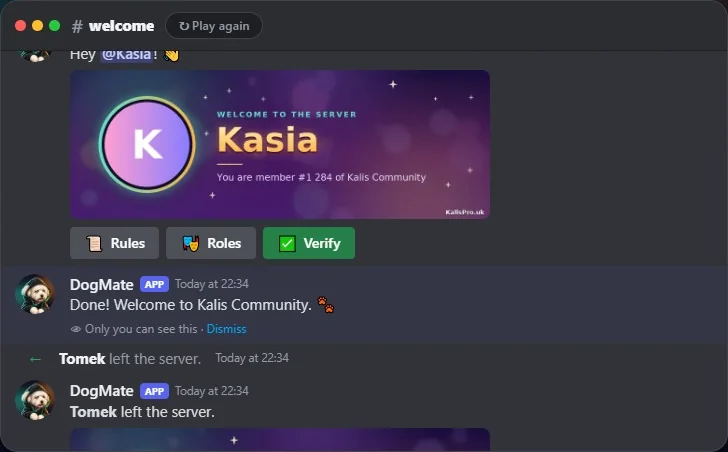 WelcomeWatch a new member get her own welcome card, then click the buttons under it.
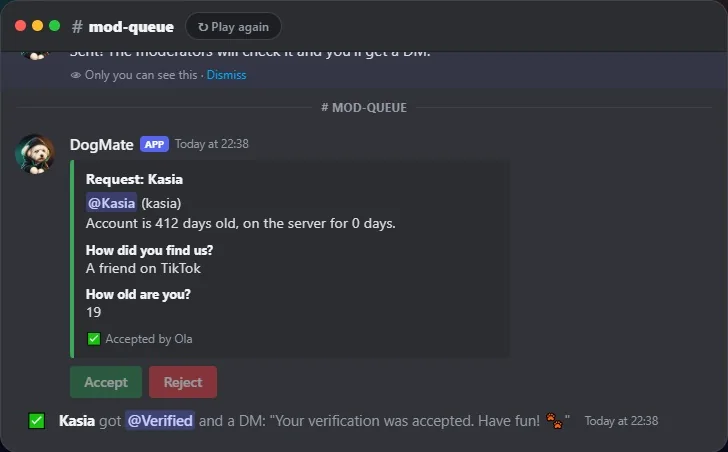 VerificationFill in the form as a new member, then accept the request as a mod.
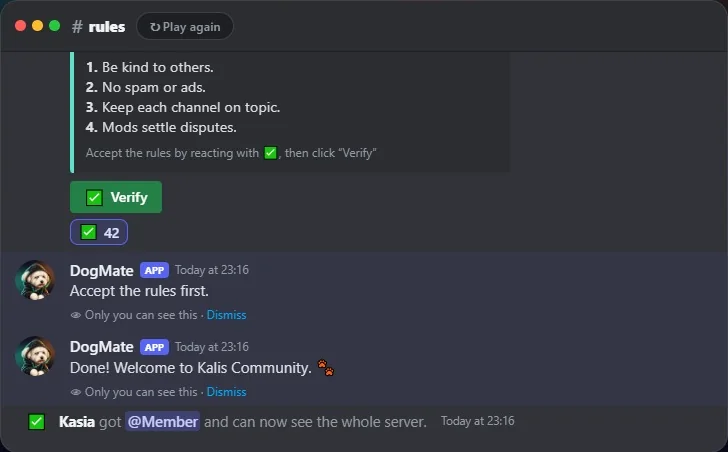 RulesTry clicking Verify before the reaction and see what the bot says.
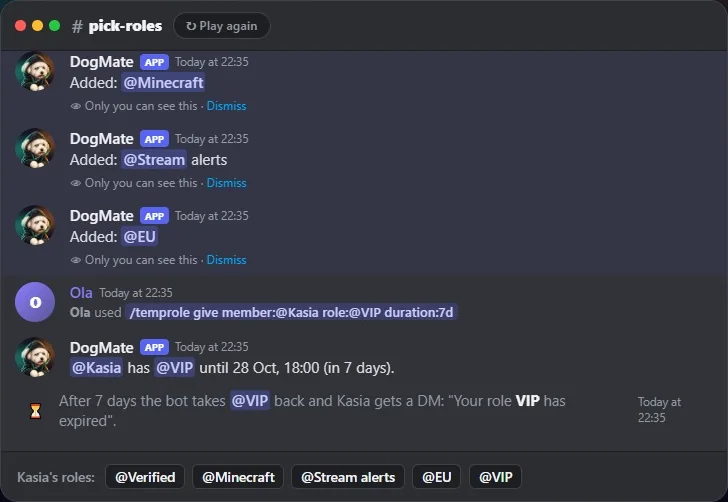 Self rolesClick role buttons and watch the roles under the window change.
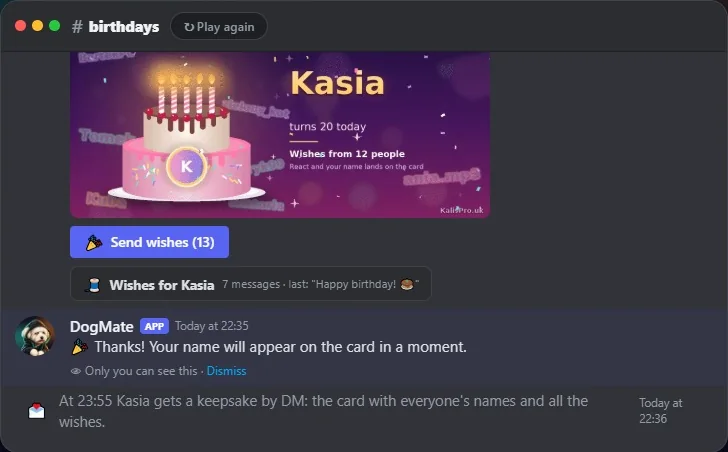 BirthdaysSend your wishes and your name lands on the birthday card.
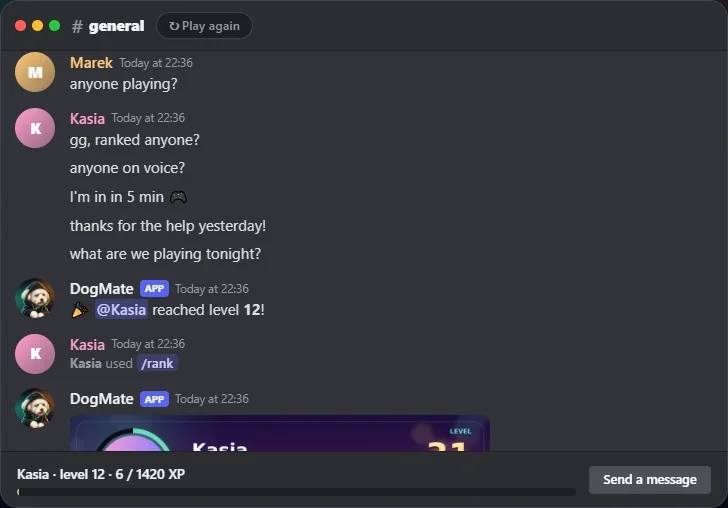 XP levelsSend a few messages and level Kasia up yourself.
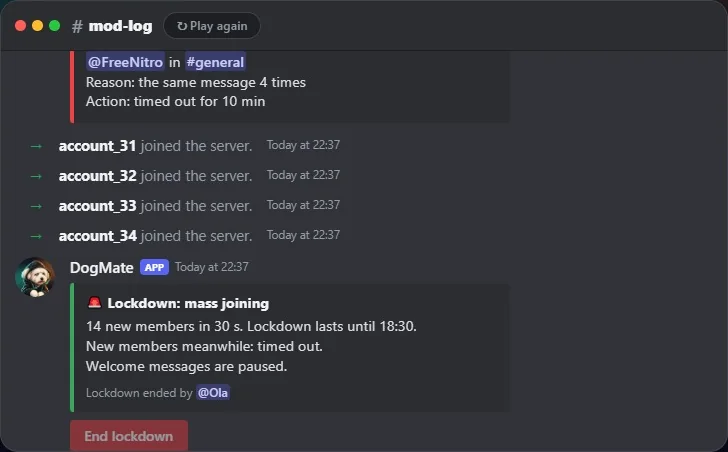 ProtectionWatch spam vanish, then end a raid lockdown with one button.
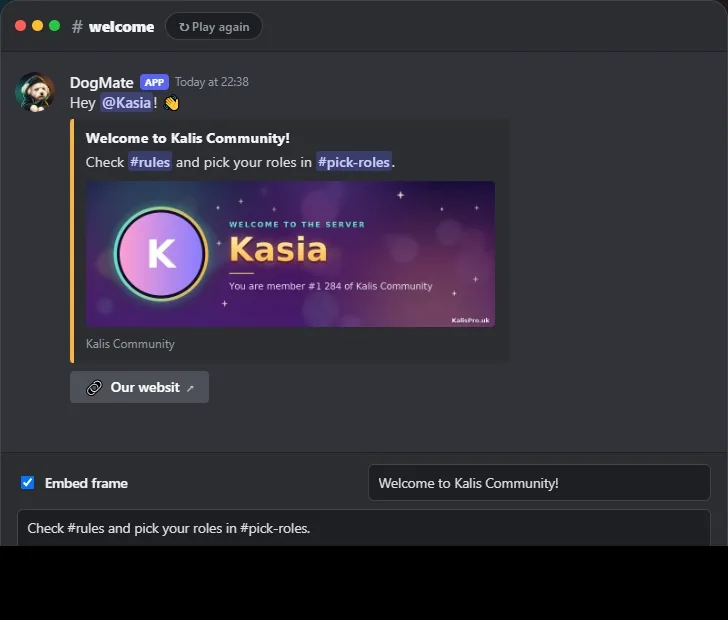 Message lookChange the title and colour, the welcome updates as you type.
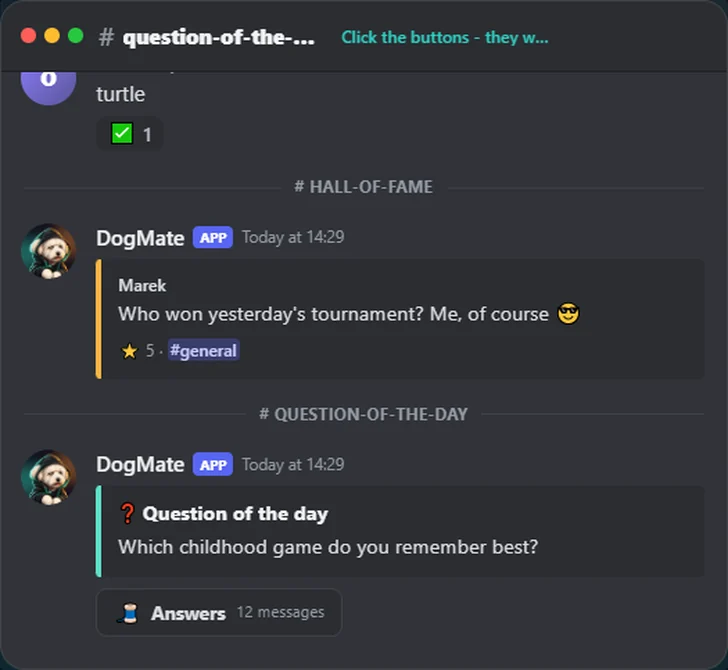 Fun channelsWatch eight fun channels in a row, then vote on the suggestion yourself.
DogMate is free
For small and big servers. If the bot helps you, you can buy me a coffee.