 DogMate by KalisPro
Every new member gets a proper welcome
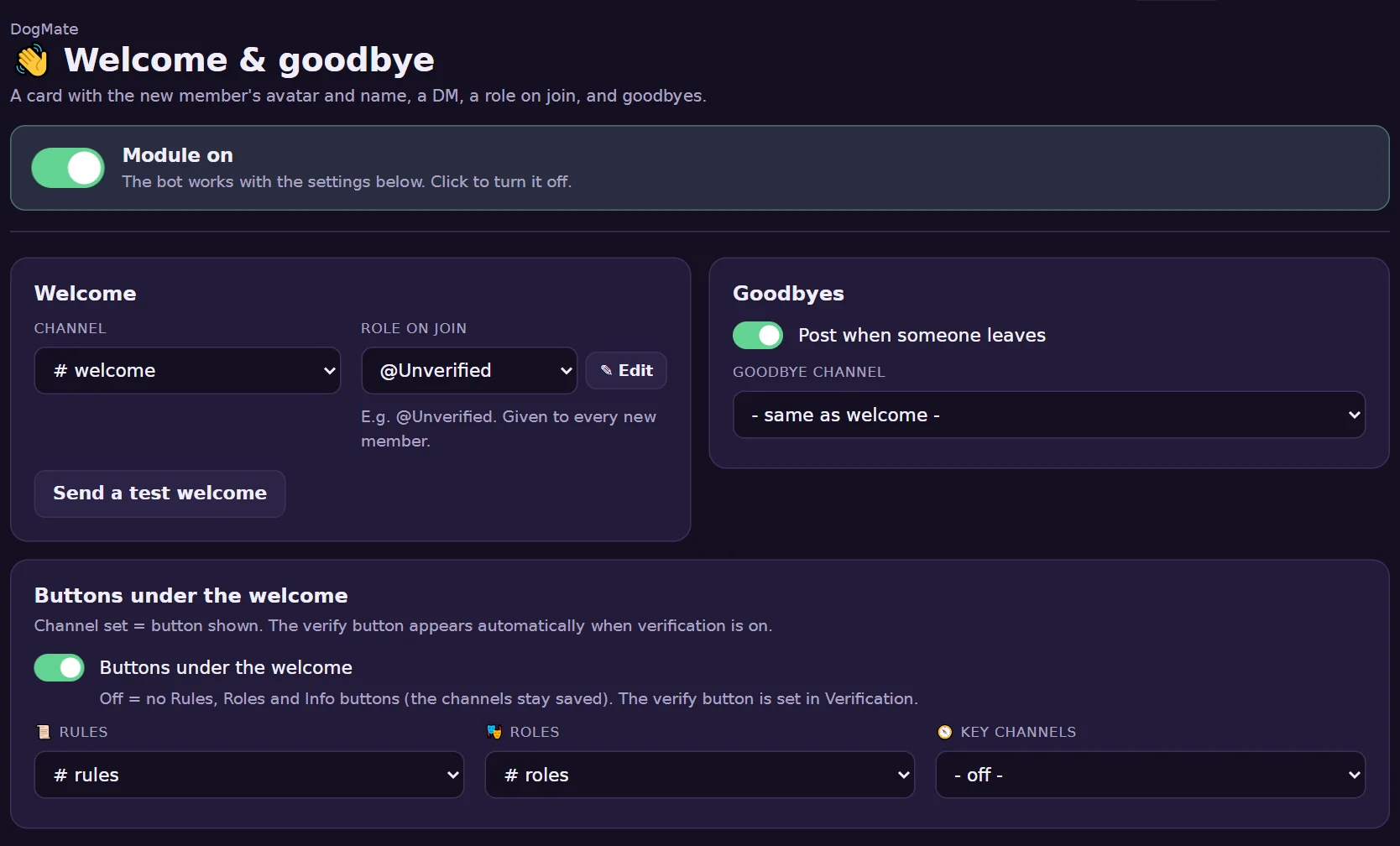
DogMate greets each person with a card that shows their avatar, name and member number. Under it: buttons to your rules, roles and verification. When someone leaves, a goodbye card can go out too.
- to turn it on
- 1 click
- buttons under the card
- 3
- card language
- PL/EN
Watch a new member get her own welcome card, then click the buttons under it.
In the dashboard
What it can do
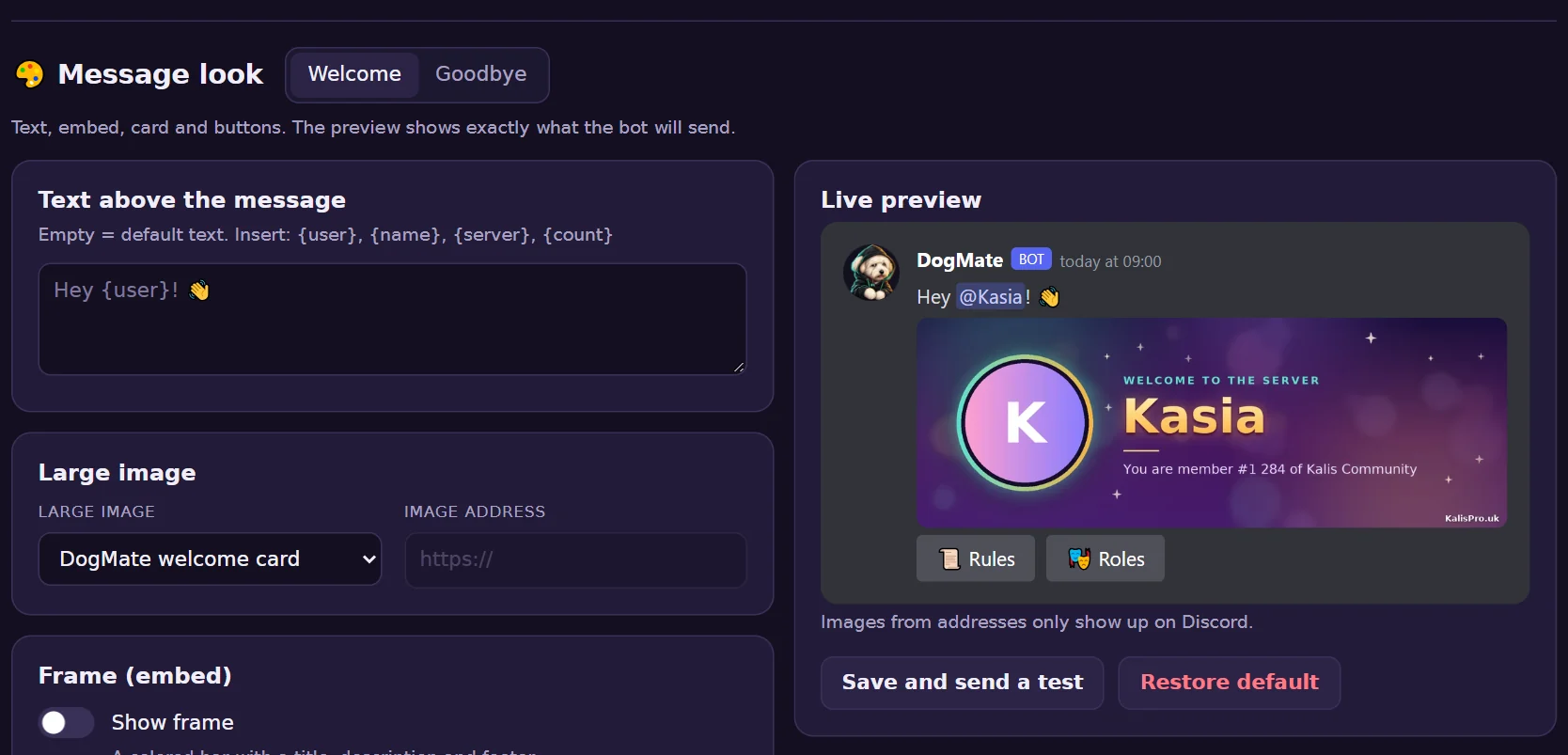
- A card with the avatarThe card is drawn for each person: avatar, name and "you are member #1,284".
- Buttons that lead the wayRules, roles and key channels are one click away. With verification on, its button appears by itself.
- A role on joinFor example @New or @Unverified. The dashboard marks roles the bot can't give.
- A private messageAn optional DM with your own text, for example a short guide to the server.
- GoodbyesA goodbye card when someone leaves, in the welcome channel or another one.
- Your own lookText, embed, colour, image and up to three link buttons, with a live preview.
How to set it up
- Add DogMateInvite the bot and log in to the dashboard with Discord.
- Pick the channelTurn on Welcome, choose the channel and, if you like, a role on join.
- Test itType /welcome test. Only you see the preview.
Commands
/welcome testA preview of the welcome, visible only to you.
Questions
Can I change the text and the picture?
Yes. In Message look you set the text above the message, an embed with a colour, your own image instead of the card and up to three link buttons. The preview shows exactly what the bot sends.
Why doesn't the bot give the role on join?
Drag the DogMate role above that role in your server settings. The dashboard marks roles the bot can't give.
Can I turn off the buttons under the welcome?
Yes, with one switch. The channels stay saved for later.
Other features
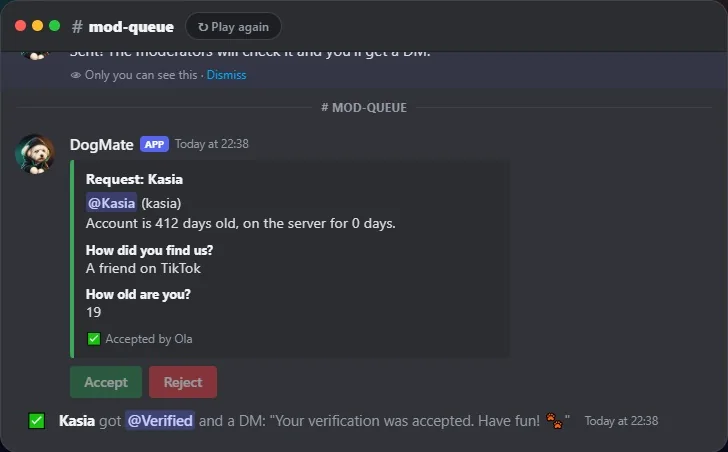 VerificationFill in the form as a new member, then accept the request as a mod.
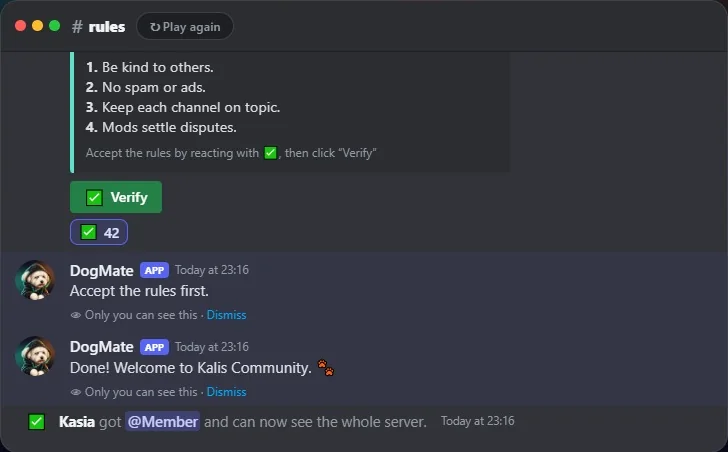 RulesTry clicking Verify before the reaction and see what the bot says.
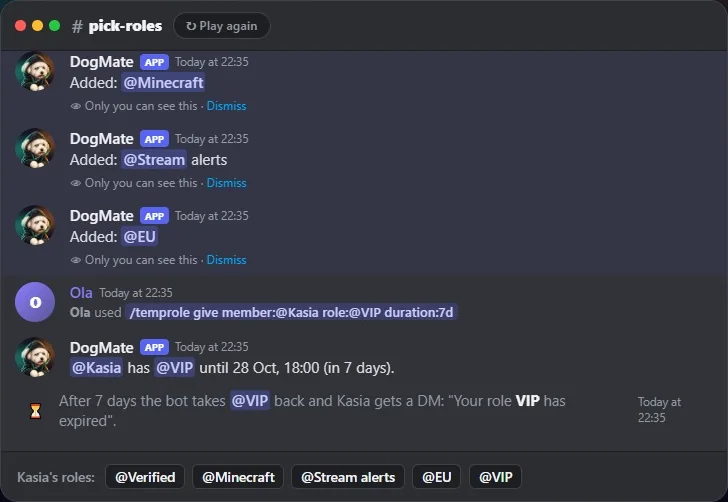 Self rolesClick role buttons and watch the roles under the window change.
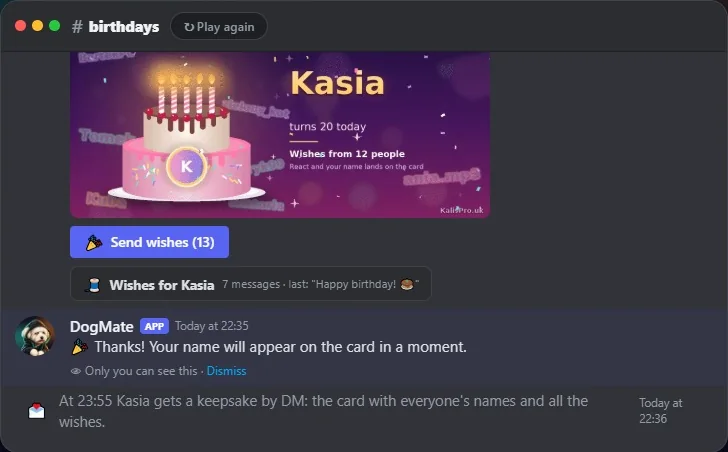 BirthdaysSend your wishes and your name lands on the birthday card.
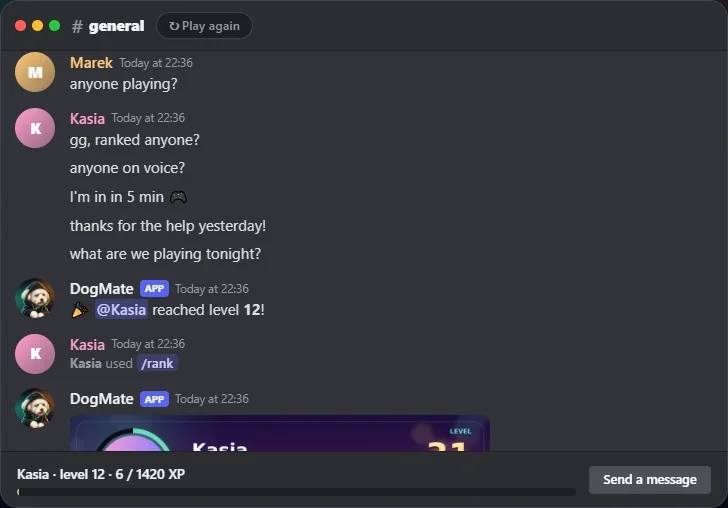 XP levelsSend a few messages and level Kasia up yourself.
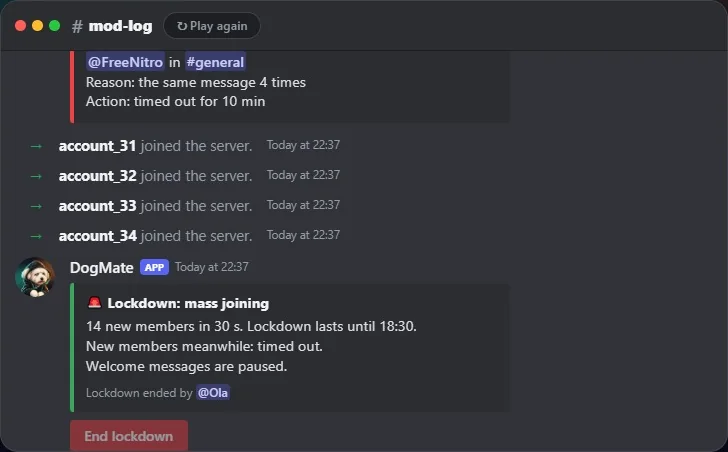 ProtectionWatch spam vanish, then end a raid lockdown with one button.
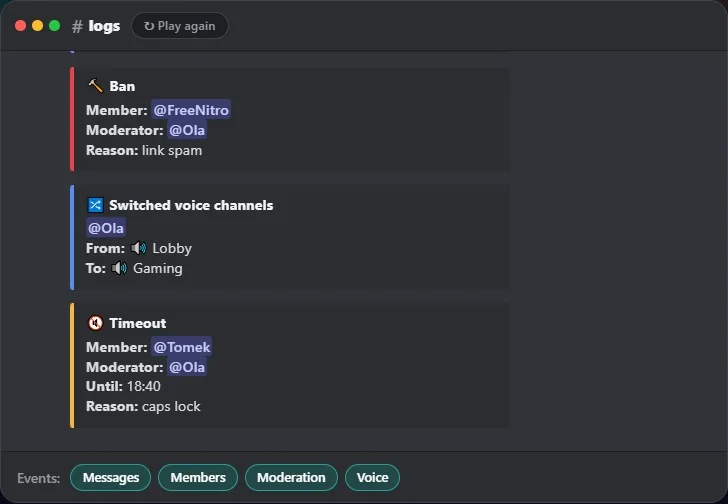 Event logTurn categories off and watch the log change.
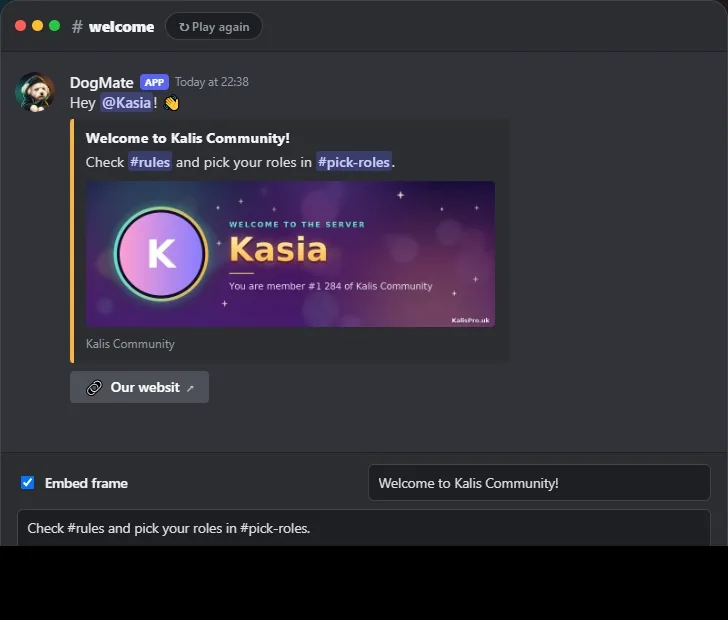 Message lookChange the title and colour, the welcome updates as you type.
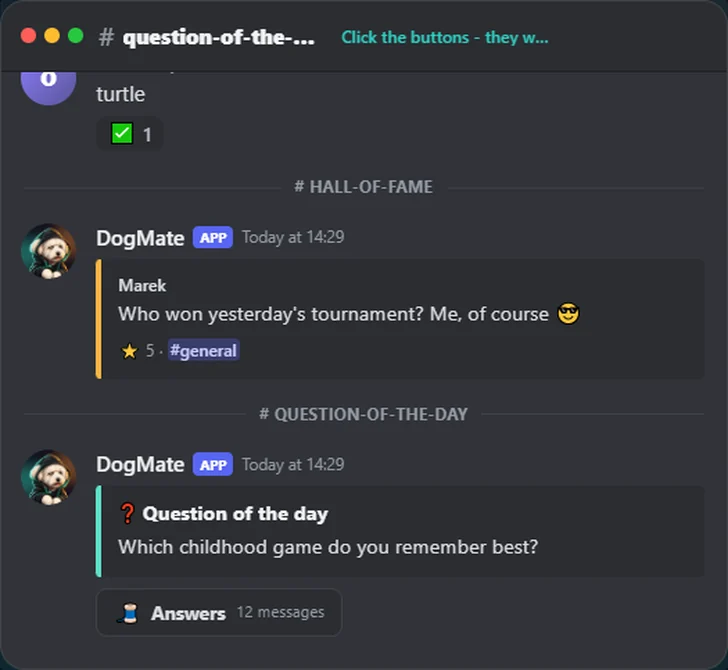 Fun channelsWatch eight fun channels in a row, then vote on the suggestion yourself.
DogMate is free
For small and big servers. If the bot helps you, you can buy me a coffee.