 DogMate by KalisPro
The rules come first, then the server
DogMate posts your rules, or uses a message you already have, and adds a reaction under it. A new member accepts with one click, then verifies or gets the role straight away. Try clicking "Verify" before the reaction.
- characters of rules
- 4000
- reaction to accept
- 1
- ways to post
- 2
Try clicking Verify before the reaction and see what the bot says.
In the dashboard
What it can do
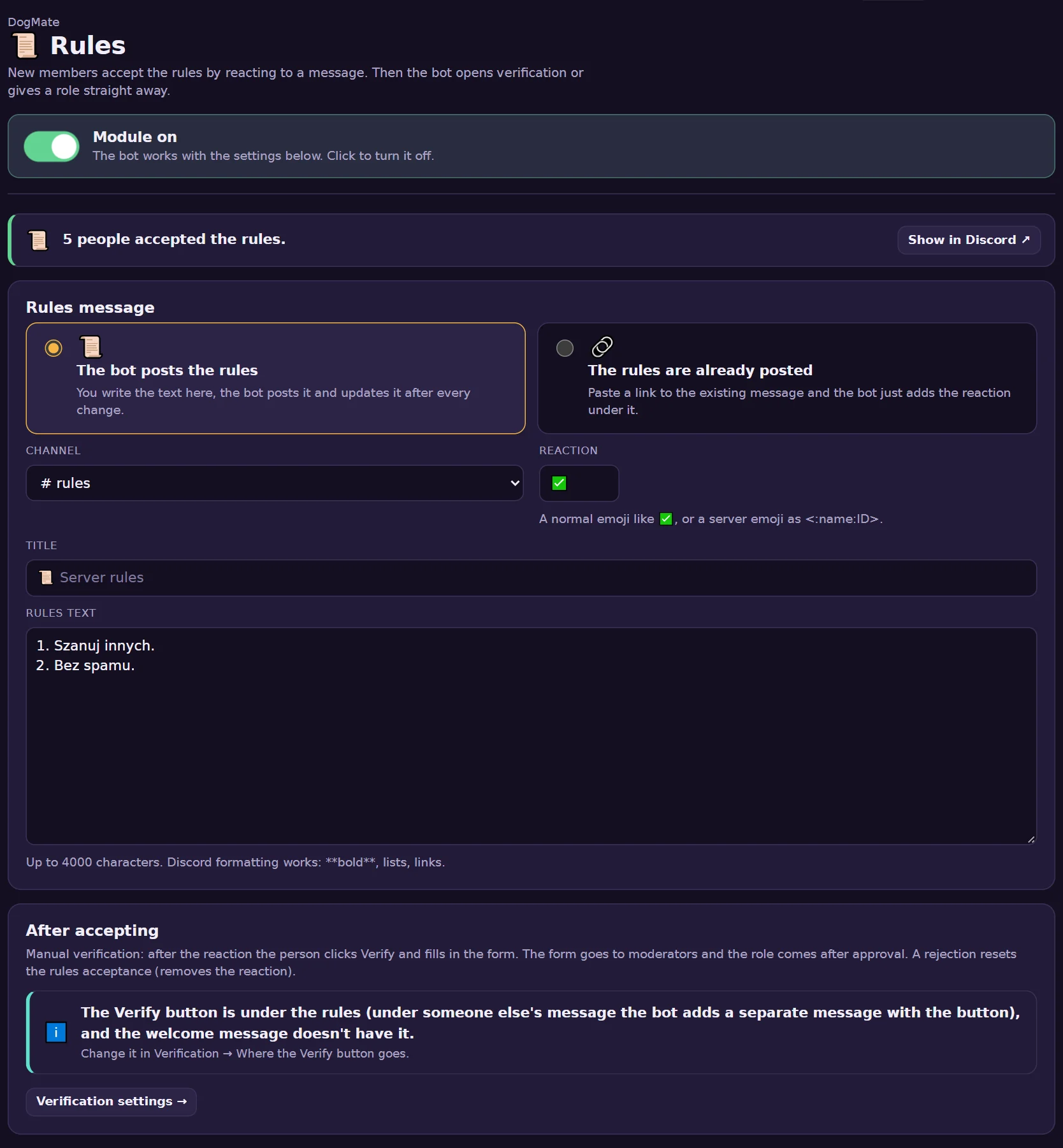
- The bot posts your rulesYou write the text in the dashboard; the bot posts it and edits the same message after every change.
- Or uses your own messagePaste a link to rules you already have and the bot only adds the reaction.
- Any reactionA normal emoji like ✅ or an emoji from your server.
- Works with verificationAfter the reaction a member clicks Verify; in manual mode the form goes to your mods.
- Rejected means not acceptedWhen a mod rejects a request, the bot removes the reaction too.
- Who acceptedThe dashboard shows how many people accepted the rules.
How to set it up
- Turn on RulesPick the channel and the reaction.
- Add the textWrite the rules in the dashboard or paste a link to your message.
- Connect verificationChoose in Verification whether the Verify button sits under the rules.
Questions
Can I keep my own rules message?
Yes. Choose "The rules are already posted" and paste the message link. The bot only adds the reaction.
What if someone clicks Verify first?
The bot asks them to accept the rules first, with a link to the message.
Does the bot remove the welcome role?
Yes, if you turn that on. It gives the role after acceptance and can take away the role from the welcome.
Other features
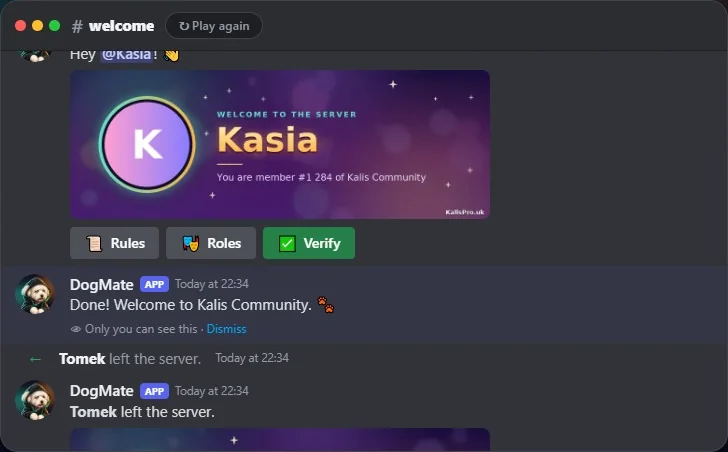 WelcomeWatch a new member get her own welcome card, then click the buttons under it.
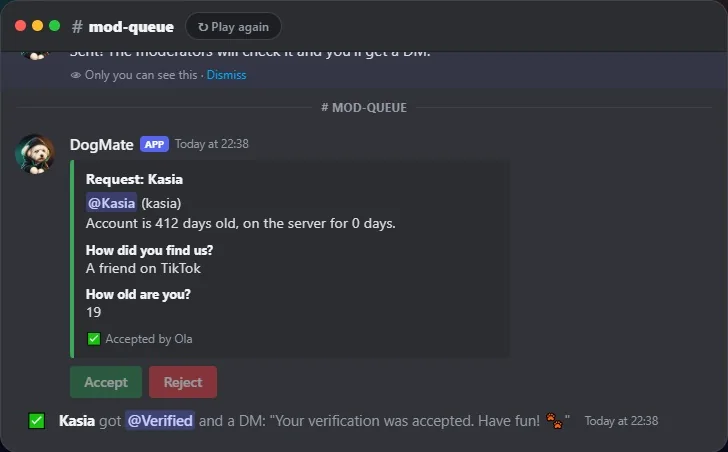 VerificationFill in the form as a new member, then accept the request as a mod.
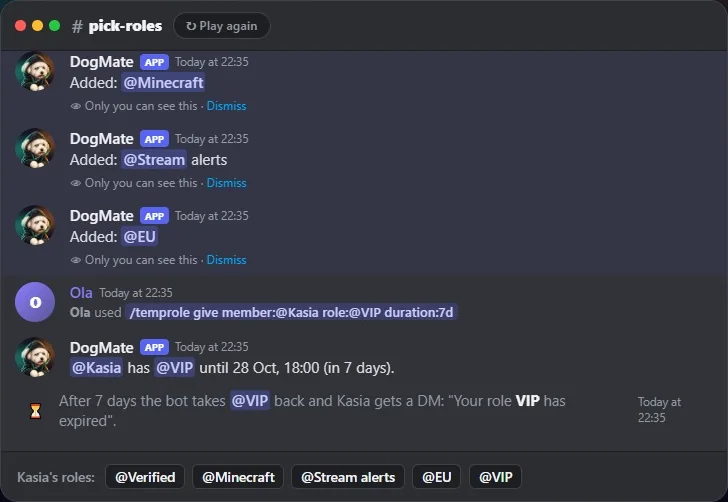 Self rolesClick role buttons and watch the roles under the window change.
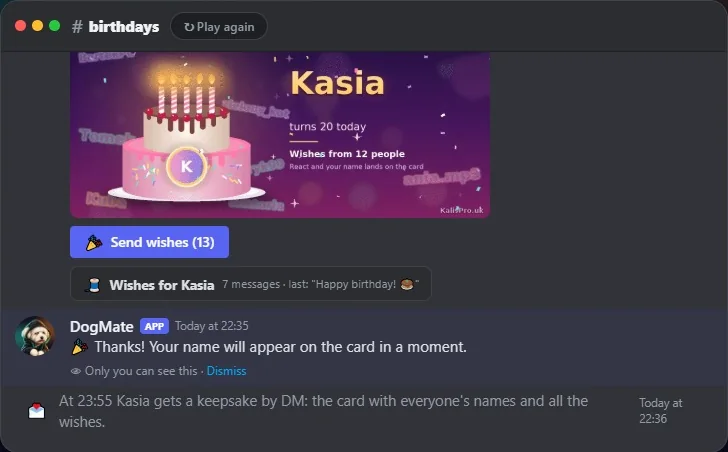 BirthdaysSend your wishes and your name lands on the birthday card.
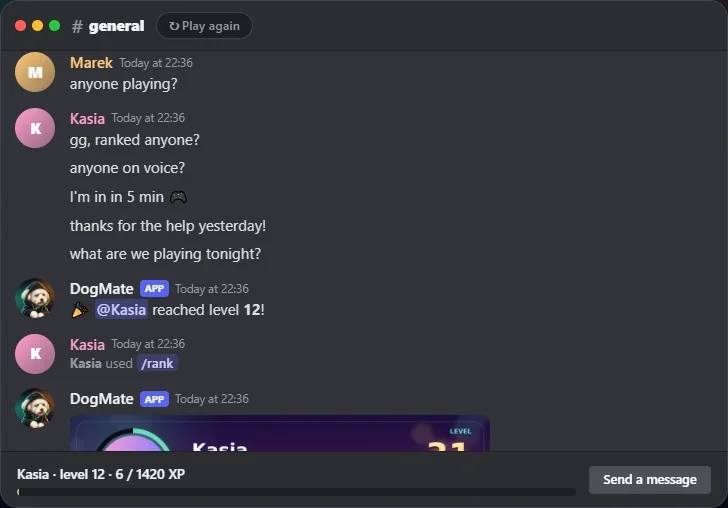 XP levelsSend a few messages and level Kasia up yourself.
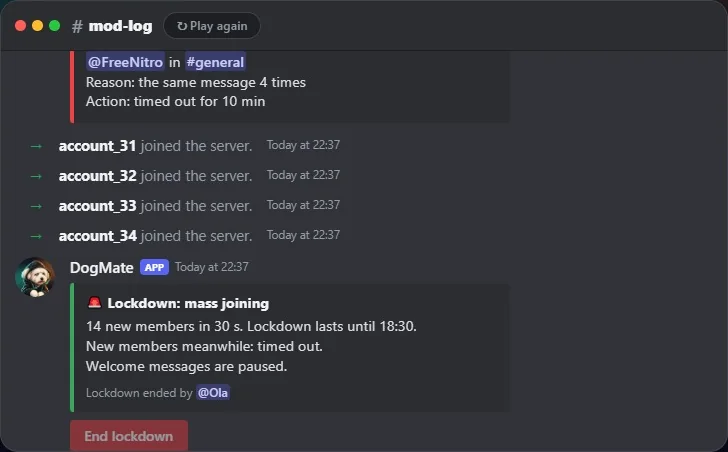 ProtectionWatch spam vanish, then end a raid lockdown with one button.
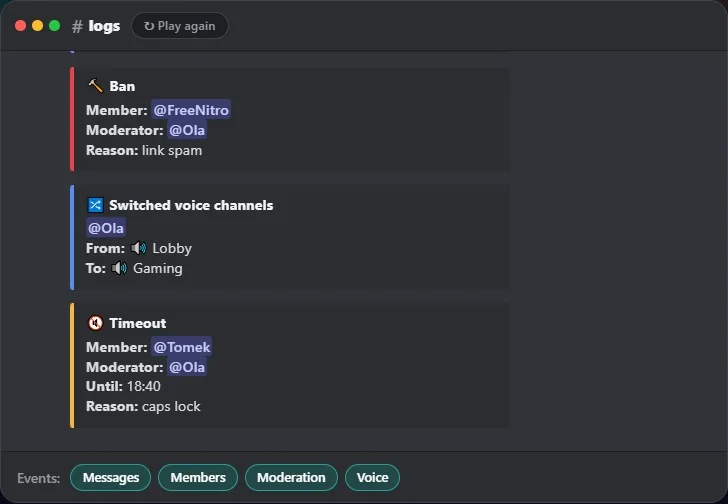 Event logTurn categories off and watch the log change.
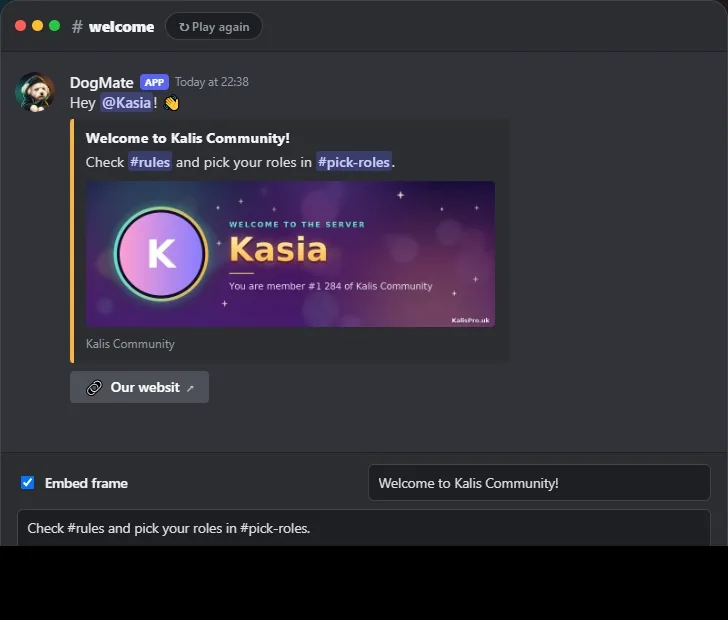 Message lookChange the title and colour, the welcome updates as you type.
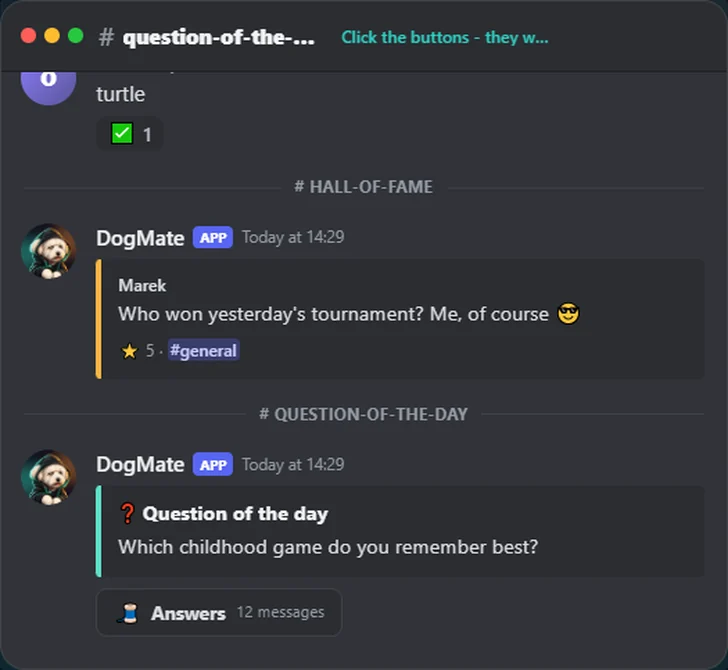 Fun channelsWatch eight fun channels in a row, then vote on the suggestion yourself.
DogMate is free
For small and big servers. If the bot helps you, you can buy me a coffee.