 DogMate by KalisPro
Members pick their own roles
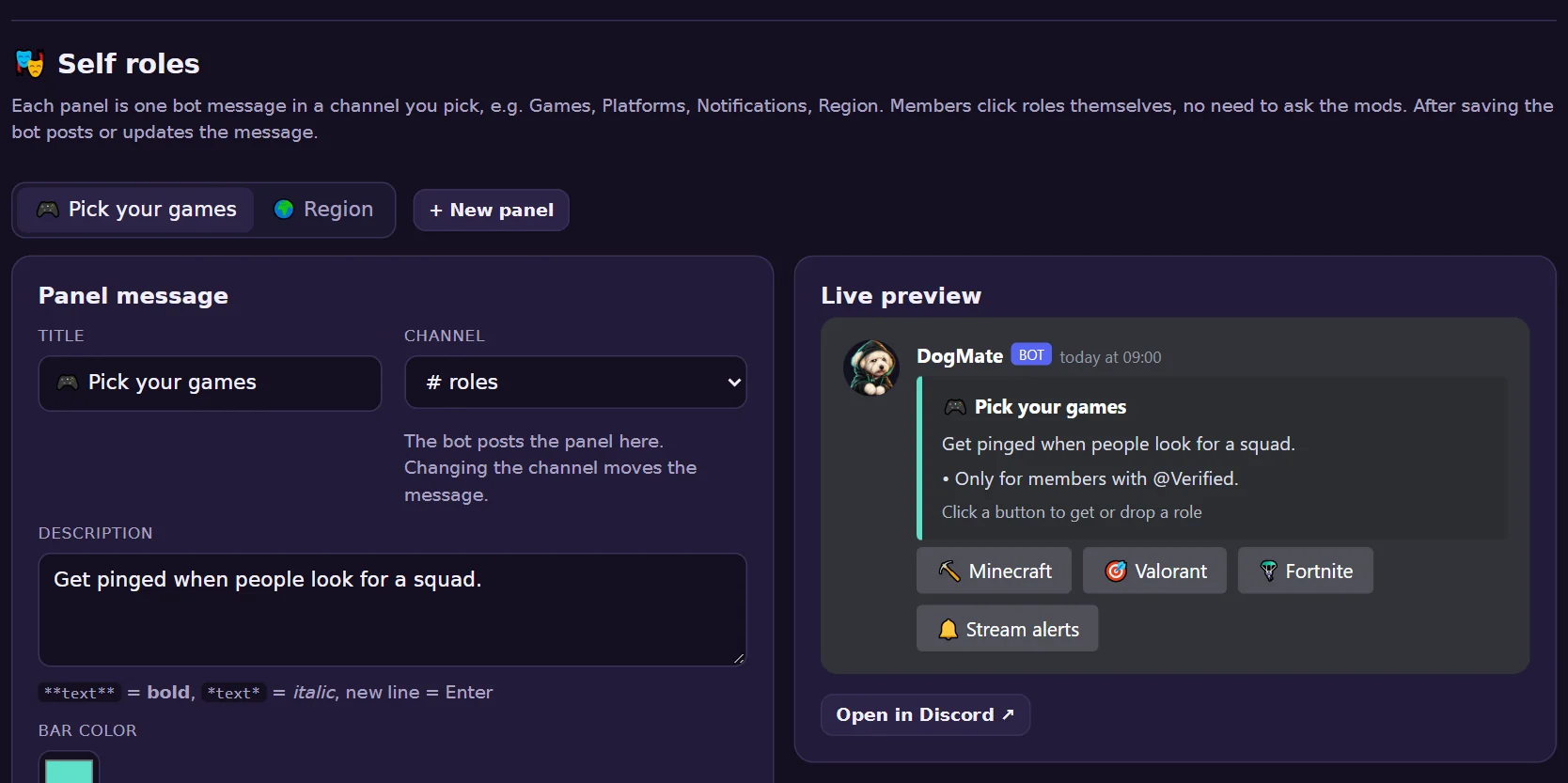
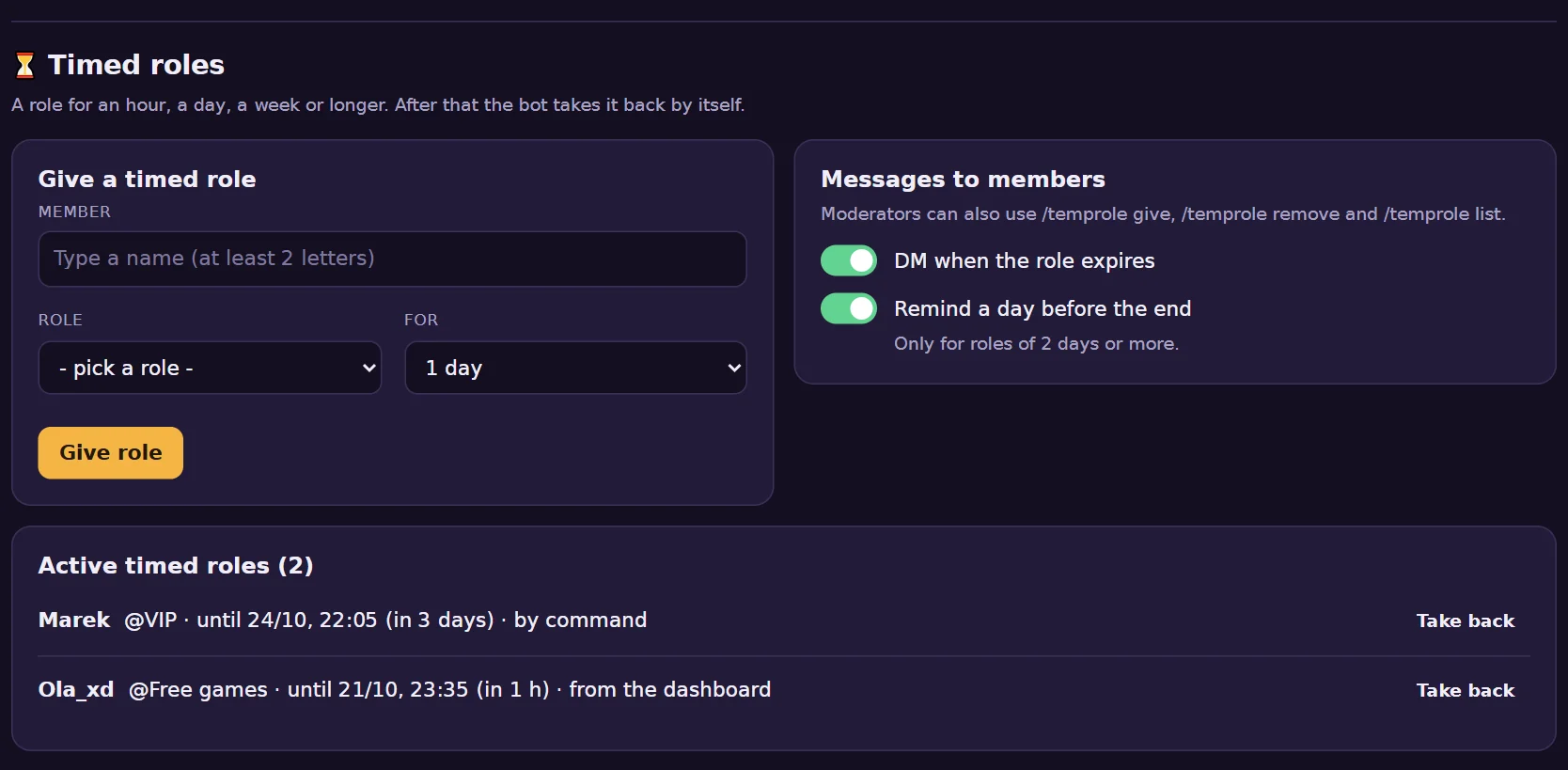
Build role panels in the dashboard: games, platforms, notifications, region. Members click a button or pick from a menu and get the role at once, without asking an admin. Roles can also be given for a set time and the bot takes them back by itself.
- panels per server
- 10
- roles per panel
- 25
- longest timed role
- 1 yr
Click role buttons and watch the roles under the window change.
In the dashboard
What it can do
- Buttons or a menuEach panel is one message: up to 25 buttons, or a dropdown menu with descriptions.
- Only one roleLike a region: picking a new role swaps the old one.
- A limitFor example at most 3 games from this panel.
- Required roleThe panel works only for people with a role, for example @Verified.
- Emojis from your serverPick from your server's own emojis or paste one, :name: works too.
- Timed rolesA role for an hour, a day, a week or your own time. A DM when it ends and a reminder a day before.
How to set it up
- Turn on Self rolesIn the dashboard open Self roles and click "+ New panel".
- Add rolesPick the channel, the roles and their emojis. The preview shows the message.
- SaveThe bot posts the panel. Each later change edits the same message.
Commands
/temprole giveGive a role for a time, for example 30m, 2h, 1d, 1w or 1d12h./temprole removeTake a timed role back before it ends./temprole listActive timed roles, also for one member.
Questions
Why does a button say it can't give the role?
The DogMate role must be above the roles in the panel and the bot needs Manage Roles. The dashboard warns you before you save.
Can a member drop a role?
Yes. A second click on the same button takes it back. In a menu, unselected roles are taken back.
What happens to a timed role when someone leaves?
It's forgotten. If they come back, they don't get it again by themselves.
Other features
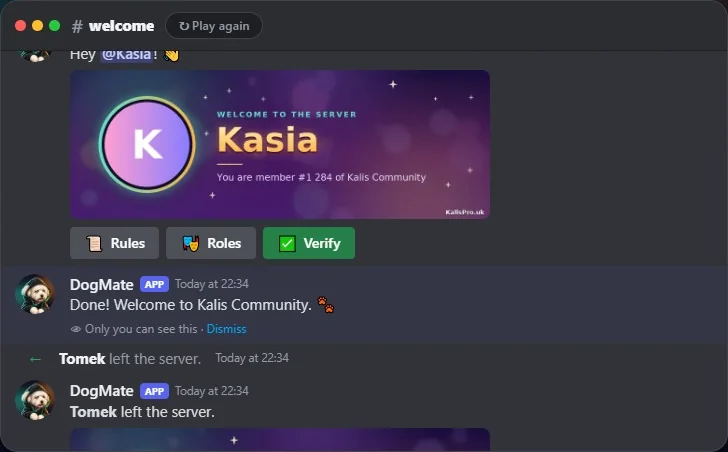 WelcomeWatch a new member get her own welcome card, then click the buttons under it.
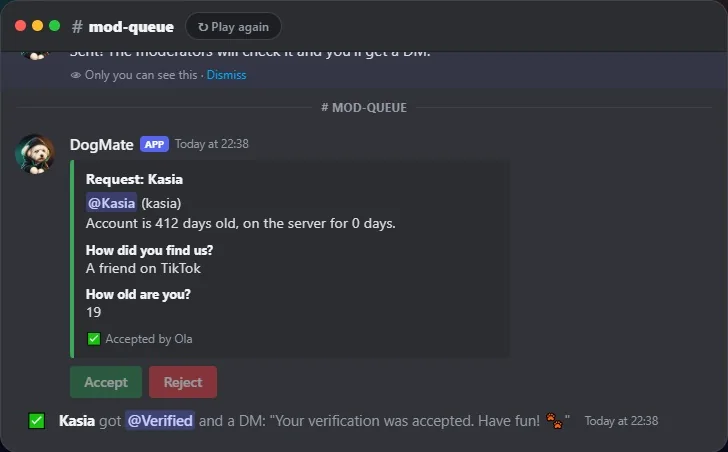 VerificationFill in the form as a new member, then accept the request as a mod.
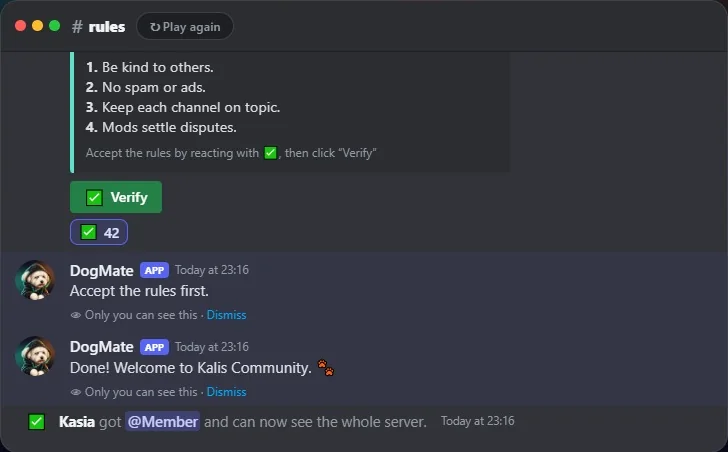 RulesTry clicking Verify before the reaction and see what the bot says.
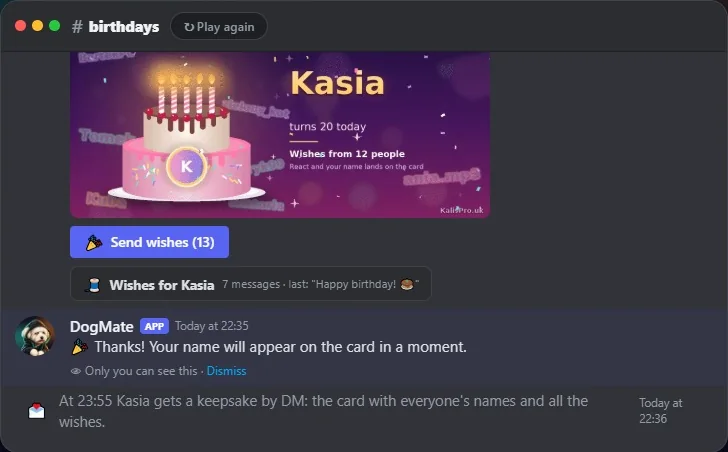 BirthdaysSend your wishes and your name lands on the birthday card.
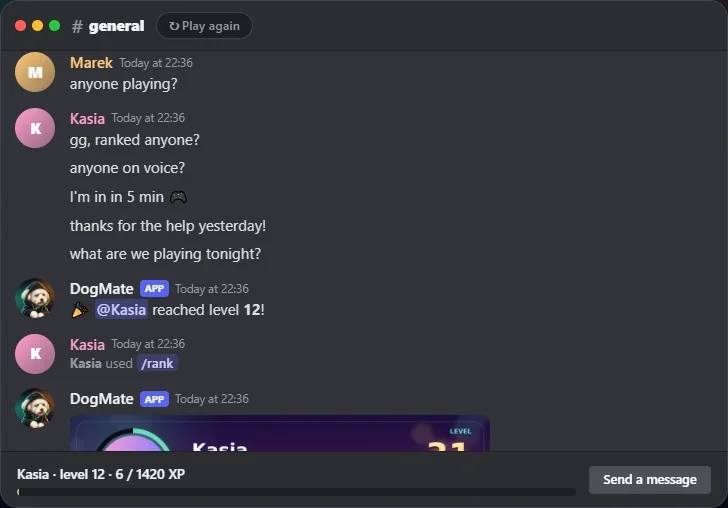 XP levelsSend a few messages and level Kasia up yourself.
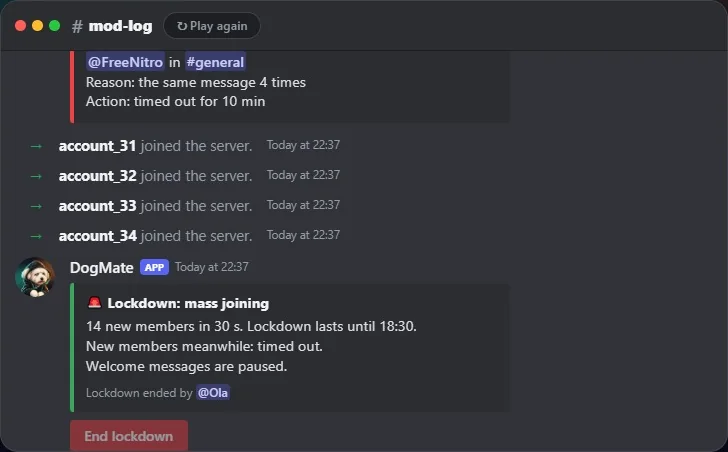 ProtectionWatch spam vanish, then end a raid lockdown with one button.
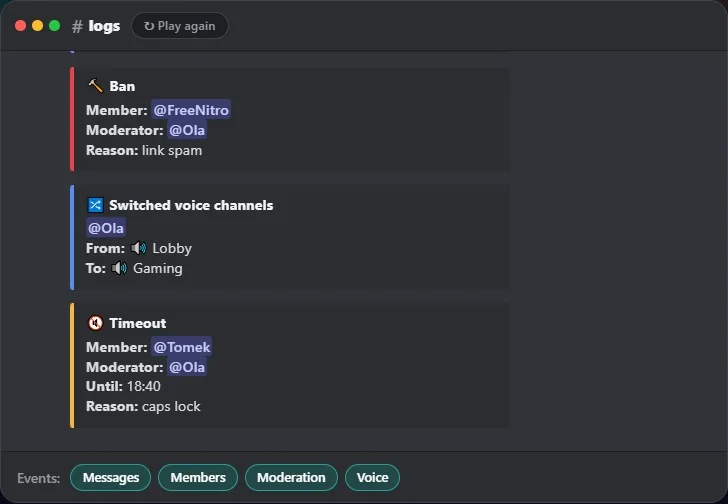 Event logTurn categories off and watch the log change.
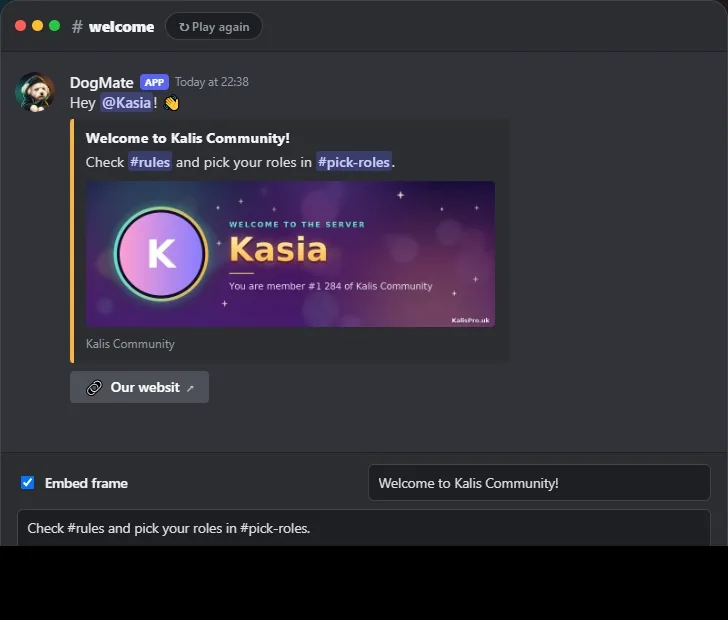 Message lookChange the title and colour, the welcome updates as you type.
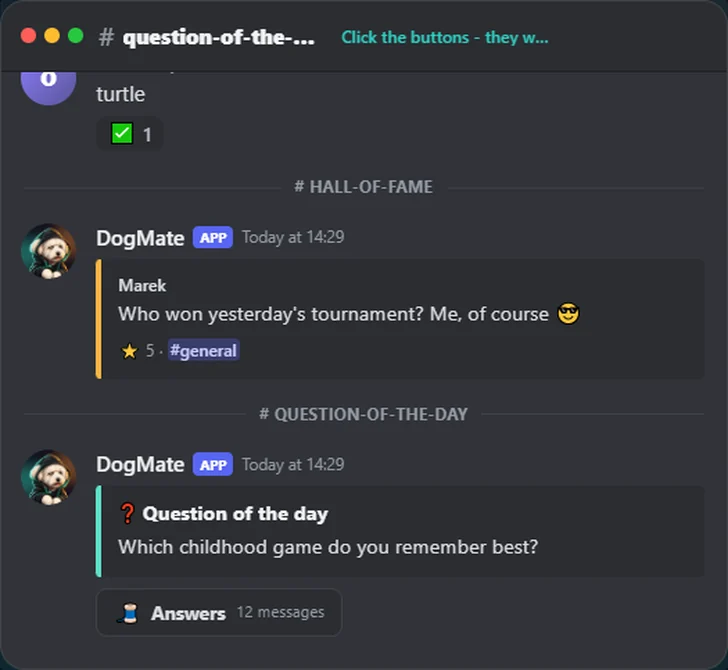 Fun channelsWatch eight fun channels in a row, then vote on the suggestion yourself.
DogMate is free
For small and big servers. If the bot helps you, you can buy me a coffee.