 DogMate by KalisPro
XP levels and a leaderboard on Discord
DogMate gives members XP for chatting, levels them up and shows a rank card and a leaderboard. You can reward levels and time on the server with roles that the bot hands out by itself.
Step by step
- Turn on levels. In the dashboard open Levels and switch them on.
- Choose the announcement. A level-up can be posted in the same channel, in a channel you pick, sent by DM or turned off, with or without a level card.
- Add rewards. Roles for reaching a level, and roles after a number of days on the server. You can also do it with commands:
With/xp levelrole level:10 role:@Regular /xp tenurerole days:30 role_name:Veteranrole_namethe bot creates the role for you. - Check it.
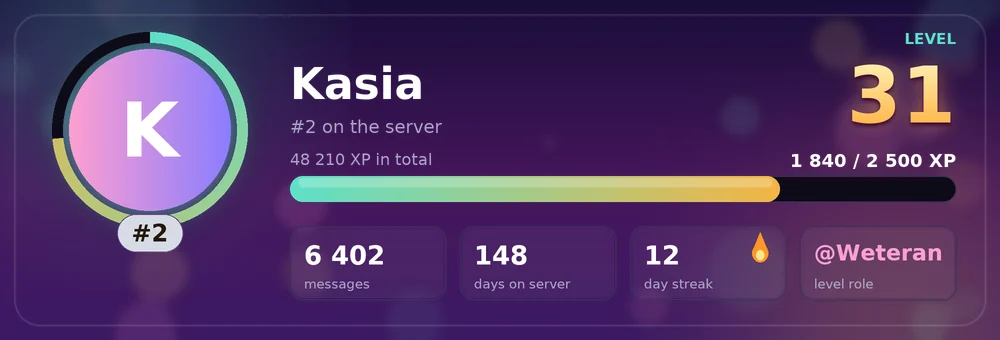
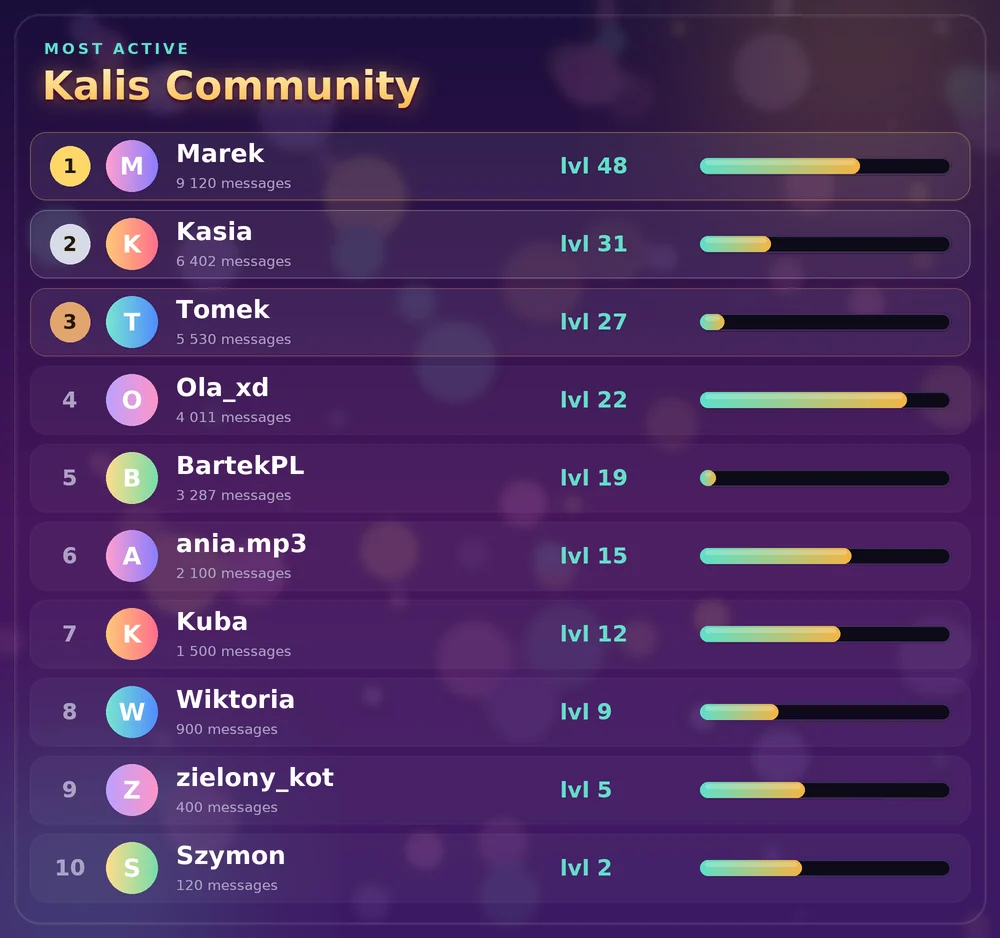
/rankshows your level card and/leaderboardthe ten most active members.
Fair XP
XP is given at most once per cooldown (60 seconds by default), and short or repeated messages give nothing, so spamming does not pay. You can exclude channels such as #bot-commands from XP.
Admin tools
/xp addadds XP, or removes it with a negative amount,/xp resetresets one member's XP,/xp removeroleremoves a role from the rewards.
Common problems
Nobody gets XP for short messages
That is on purpose. Message length is checked only when the bot has the Message Content intent; the text itself is never stored.
Level roles are not given
Drag the DogMate role above the reward roles in your server settings.